Getting started
- Get a beta key — about ten seconds. Lost the one you had? Same form, same address.
- Download and install.
- Add your email account — read this one first if you use Gmail.
- Work through the testing guide and tell us what broke.
Your key expires 15 days after it is issued.
That keeps beta builds from quietly living forever on machines nobody is
tracking. When it lapses, come back and register again — the expiry
date is sealed inside the key and shown to you when it is issued.
Where your attention is worth the most
Anything you find is worth telling us about. But if you only have time to exercise a few things, these are where a fresh pair of eyes is genuinely more valuable than ours:
- Sending from an Outlook account. This path is new. Try a normal send, a reply-all, and one with a Bcc.
- Marking mail as spam, and marking it back. Also new, and it behaves differently on Gmail than on IMAP.
- Reading mail while the first sync is still running. Selecting a message should keep your place in the list.
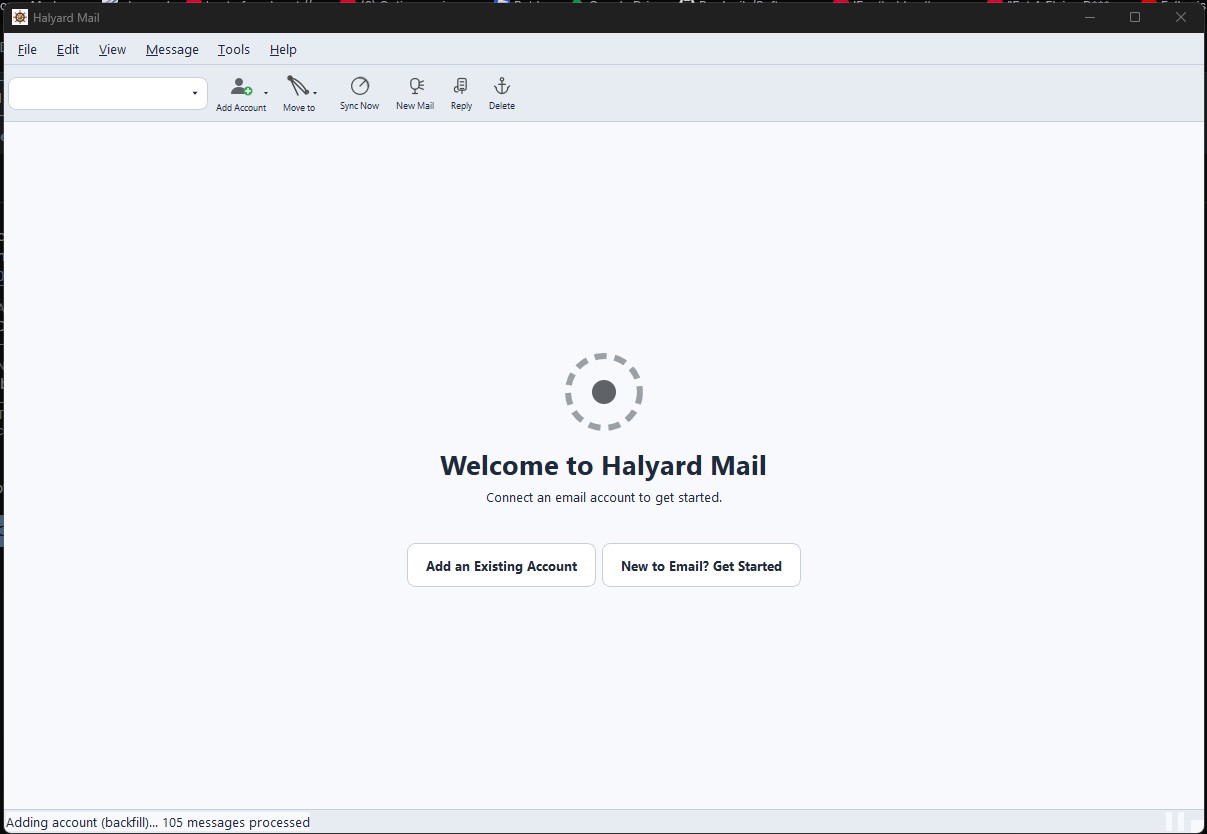
- The very first sync of a large mailbox. It takes a while — tell us if it looks stuck rather than slow.
Before you install
Two things will look alarming, and both are expected:
- Your browser will probably block the download, and Windows will warn you again when you run it. The app is signed, but with a development certificate rather than a paid commercial one, so it has no reputation yet. The download page explains how to get past both.
- Gmail needs about ten minutes of one-time setup. There is a wizard, and the setup page explains honestly why it’s necessary rather than pretending it’s a quirk.